
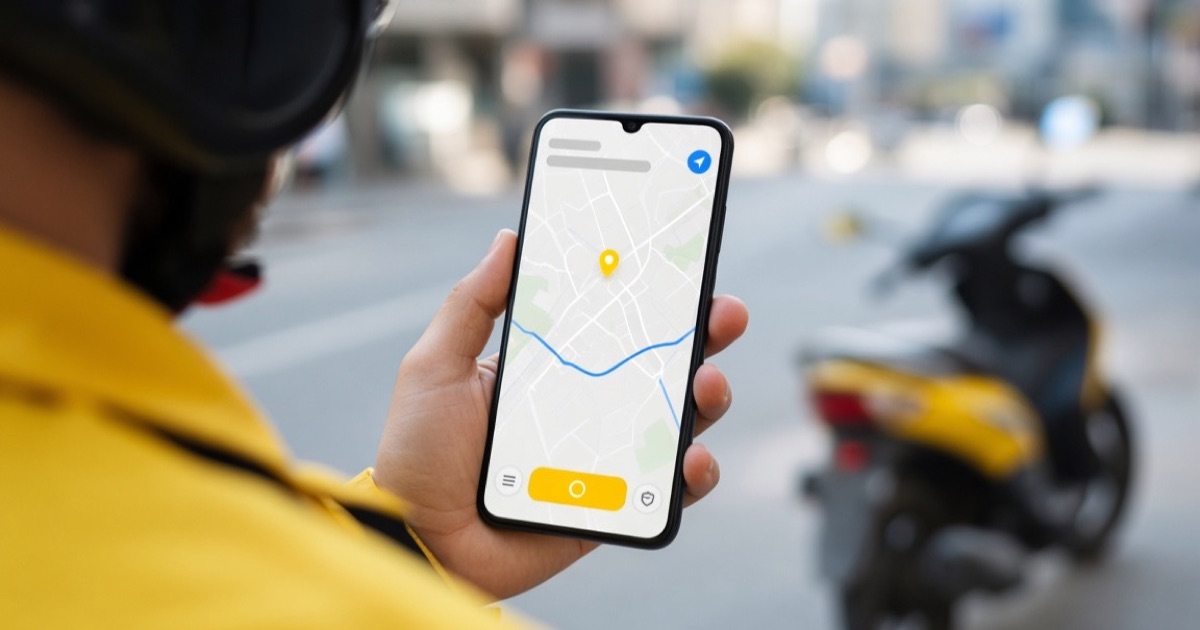
Every order and payout runs through Yango Pro. Access opens only after you apply and register at the hub.
Why Access Opens Only After Applying
The account is created by the partner after the contract is signed at the hub.
What the App Looks Like: Main Screens
*Placeholders — replace with real interface images before publishing.*
Login screen with phone number and code from the hub.
Main screen — online/offline toggle, shift stats.
New order — addresses, distance, pay.
Navigation to the customer.
History and earnings, updated after each delivery.
Support chat.
Installation and First Login
- Apply on the homepage.
- Sign the contract and get your thermal bag at the hub.
- Install via the link/QR code from the hub.
- Log in with your phone number and code.
What You Can Do in the App
Toggle order acceptance, see demand zones, track earnings, contact support.
Frequently Asked Questions
Can I download it without applying first?
No, the account is created after hub registration.
What devices does it work on?
Android and iOS.
What if the app runs unstably?
Contact support via chat or phone.
Constant internet needed?
Yes, it's required.
Bottom Line
Yango Pro is the work tool, access comes after applying.
Apply and get access to the app →
Read Next
💼 Yango courier vacancies
-
Cochabamba Work formats Yango
-
Santa Cruz Work formats Yango
 Walking courier · Cochabamba
 Bike courier · Cochabamba
 Motorbike courier · Cochabamba
 Car courier · Cochabamba
📚 Read next

How to Become a Yango Courier in Bolivia: Beginner's Guide
Step-by-step guide to becoming a Yango courier in Bolivia.
Read →
How Much Does a Yango Courier Earn in Bolivia: 2026 Rates
Real earnings figures for Yango couriers in Santa Cruz and Cochabamba.
Read →
Documents Needed to Become a Yango Courier in Bolivia
Complete document checklist for Yango couriers in Bolivia.
Read →